
 Artist
To make sure that your photos look their best regardless of the device on which they are being viewed you need to set their cropping:
1. Inside My Account click "Edit Listing".
2. Navigate to the "Photos" section.
3. Click the "Crop" button under the photo you want to crop.
4. Move the red target around until you get the best views in the preview section on the right (usually it works best to move the target to a face area).
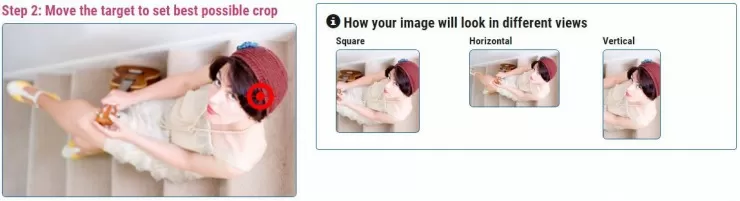
4. Click "Done".
Note: The most common views are square and horizontal so try to get it looking as good as possible in those views.